M554dn
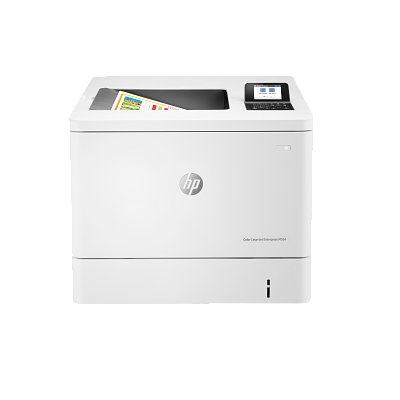
Note: Before replacing any maintenance items
- Power off the printer.
- Wait 30 seconds, then disconnect the power cord.
- Allow 15 minutes for the printer to cool completely before proceeding.
What does the Compatible HP B5L36A 220V Fuser Unit look like?
The image below shows what the B5L36A-REM fuser unit looks like :
How do I replace the fuser unit?
- 1. Open the right door of the printer.
- 2. Squeeze the blue triggers on the fuser handles and slide the unit straight out.
- 3. Align the fuser with the opening and push it into the printer until it clicks into place.
- 4. Shut the right door, reinsert the power cord and power on the printer.
- 5. Reset the fuser counter using the control panel:
How do I reset my printer after replacing the fuser unit?
If you have a touchscreen
- From the Home screen, scroll to and select Administration.
- Select Manage Supplies.
- Select Reset Supplies.
- Select New Fuser Kit.
- Select Yes to reset the fuser counter.
If you have an SFP control panel
- From the Home screen, use the arrow buttons to scroll to Administration, then press OK.
- Scroll to Manage Supplies, then press OK.
- Scroll to Reset Supplies, then press OK.
- Scroll to New Fuser Kit, then press OK.
- Press OK to reset the fuser counter.
Brand names and trademarks are the property of their respective holders and are used for description purposes only.