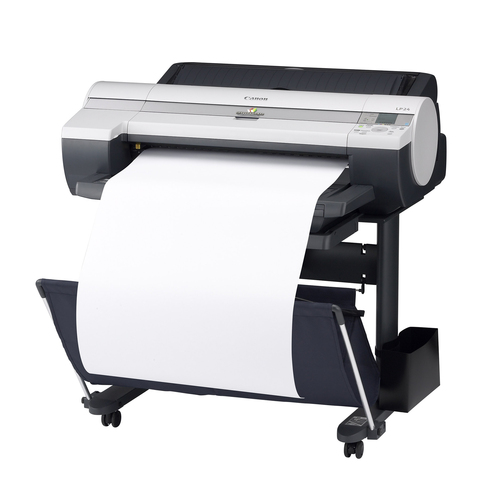
LP24
Compatible Canon PFI-102 Cartridges
|
This image shows the front of the cartridges,
match
the
colour with the slot on the printer. The small
label
displays the batch code.
|
|
|
|
The back of the cartridges can be seen here.
|
|
|
|
This image shows top of the cartridges.
|
|
|
|
The bottom of the cartridges can be seen in this
image,
ensure the clip is clear of impurities before
installation.
|
|
|
No Ink Tank Loaded
- Remove the affected cartridge from the printer.
- Clean the chip to ensure it is free from any impurities.
- Re-install the cartridge.
Ink in the cartridge, but not printing
- The cartridge may show as empty or produce faded print despite ink remaining.
- Printing stops once the cartridge reaches around 30% remaining ink, which is kept as a reserve.
- This reserve cannot be accessed and is used to keep the internal sponge moist and protect the printhead.
- This is normal behaviour and not a fault.
- The cartridge will need to be replaced.
Printers that use Canon PFI-102 cartridges
To see a full list of products that work in your printer, click on the model name below:
Printer Consumables (Canon PFI-102)
| 0894B001AA | 0894B001AA-CPT | 0895B001AA | 0895B001AA-CPT |
| 0896B001AA | 0896B001AA-CPT | 0897B001AA | 0897B001AA-CPT |
| 0898B001AA | 0898B001AA-CPT | PFI-102-PACK | PFI-102-PACK-CPT |
| PFI-102-PACK2 | PFI-102-PACK2-CPT |
Brand names and trademarks are the property of their respective holders and are used for description purposes only.