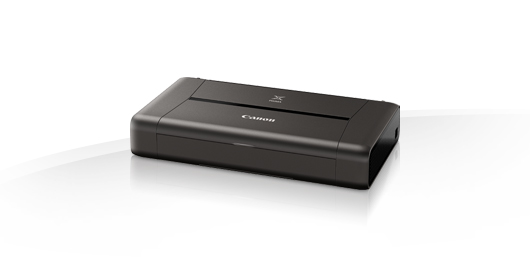
iP110
Ink in the cartridge, but not printing
- The cartridge may show as empty or produce faded print despite ink remaining.
- Printing stops once the cartridge reaches around 30% remaining ink, which is kept as a reserve.
- This reserve cannot be accessed and is used to keep the internal sponge moist and protect the printhead.
- This is normal behaviour and not a fault.
- The cartridge will need to be replaced.
Printing blank pages / fading on print
- If the print quality is poor or no ink is appearing on the paper, try performing 2–3 head cleans/nozzle cleans.
- Leave 20 minutes between each cleaning cycle.
- If the issue persists, switch off the printer and unplug it for 10 minutes.
- Re-install the cartridge and try printing again.
Cartridge missing or damaged
- Remove the faulty cartridge from the printer.
- Make sure all the packaging clips and tape covering the breathing hole have been removed. Take care not to squeeze the sides during this as some ink may spill.
- Pull the power cable out the back of the printer and leave the printer off for 15 minutes.
Printers that use Canon PGI-35 / CL-36 cartridges
To see a full list of products that work in your printer, click on the model name below:
| Pixma iP100 | Pixma iP110 | Pixma iP110B |
| Pixma TR150 | MAXIFY BX110 |
Printer Consumables (Canon PGI-35 / CL-36)
| 1509B001 | 1509B012 | 1511B001 | 1511B018 |
| PGI35-CLI36-PACK | QY6-0068-000 | 1511B001-CPT | 1509B001-CPT |
| PGI35-CLI36-PACK-CPT |
Brand names and trademarks are the property of their respective holders and are used for description purposes only.