MG2555
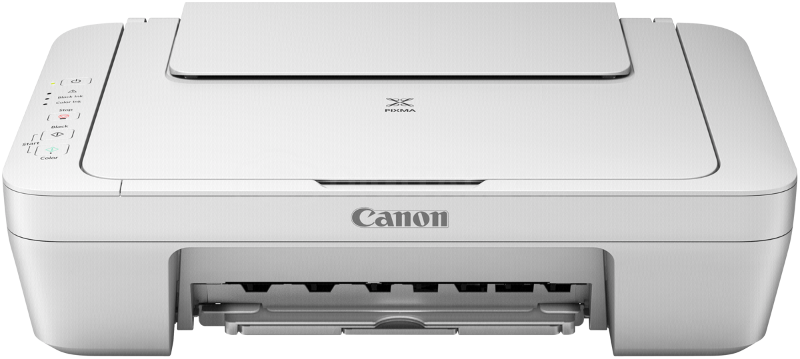
The video below shows what the compatible PG-545XL /CL-546XL cartridges look like for this printer
Ink in the cartridge, but not printing
- The cartridge may show as empty or produce faded print despite ink remaining.
- Printing stops once the cartridge reaches around 30% remaining ink, which is kept as a reserve.
- This reserve cannot be accessed and is used to keep the internal sponge moist and protect the printhead.
- This is normal behaviour and not a fault.
- The cartridge will need to be replaced.
Printing blank pages / fading on print
- Clean the printhead with a piece of damp kitchen tissue (warm water).
- If this doesn't work, sit the cartridge printhead on some moist kitchen roll for 20 minutes.
- Make sure the bottom of the cartridge (where the ink comes out of) is touching the kitchen roll.
Printers that use Canon PG-545 / PG-545XL / CL-546 / CL-546XL cartridges
To see a full list of products that work in your printer, click on the model name below:
Printer Consumables (Canon PG-545 / CL-546)
| 8286B006 | 8286B006-CARTRIDGE | CL-546 | CL-546XL |
| PG-545 | PG-545XL | 8286B006-REM | PG545XL-CL546XL |
| 8286B006-OLD2 | PG-545XL-REM | CL-546XL-REM | CL-546XL-3PACK-REM |
| PG-545XL-3PACK-REM | 8287B008 | PG545-CL546 | 8286B015 |
| 8286B013 | 8286B012 |
Brand names and trademarks are the property of their respective holders and are used for description purposes only.