3202dn
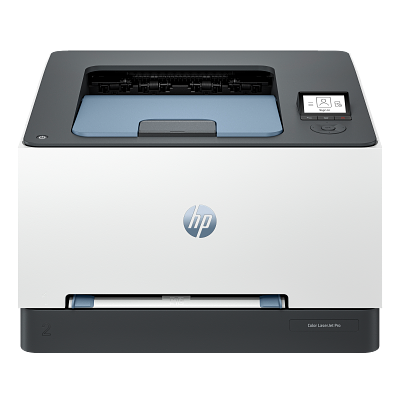
Error "Unauthorised Cartridges"
- If your printer is displaying the error "Unauthorised Cartridge" even though you have installed a compatible cartridge correctly, it could be due to the Cartridge Protection feature being activated.
- This feature prevents the use of cartridges on printers other than the one they were originally installed on.
- Resolution: To disable Cartridge Protection, please follow the steps below.
- Turn on your printer and make sure it is connected to your computer or network.
- On the printer control panel, navigate to Menu > Settings > Supplies.
- Scroll down and look for the option labelled Authorised HP Cartridge Policy.
- Select Off or alternatively slide to the left.
- Restart your printer.
- Try printing again.
Supply memory error
- The printer displays a supply memory error, saying that the indicated supplies are not communicating correctly with the printer.
- This issue may occur if a cartridge has a repeated chip serial number or if it is not properly seated.
- Resolution:
- Open the front cover and uninstall the affected cartridge or cartridges.
- Turn off the printer for 2 minutes.
- Turn on the printer.
- Reinstall the cartridge or cartridges carefully.
Printers that use HP 219A / 219X cartridges
To see a full list of products that work in your printer, click on the model name below:
Printer Consumables (HP 219A / 219X)
| W2190A | W2190A-REM | W2191A | W2191A-REM |
| W2192A | W2192A-REM | W2193A | W2193A-REM |
| W2190X | W2190X-REM | W2191X | W2191X-REM |
| W2192X | W2192X-REM | W2193X | W2193X-REM |
| HP219A-PACK | HP219A-PACK-REM | HP219X-PACK | HP219X-PACK-REM |
Brand names and trademarks are the property of their respective holders and are used for description purposes only.