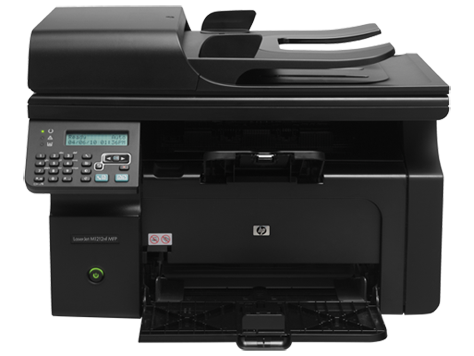
M1212nf
Compatible HP 85A Toner
|
This image shows the front of the cartridge,
the product
code is displayed on the label on the left.
|
|
|
|
The back of the cartridge can be seen in
this
image,
remove the tab before installation.
|
|
|
|
The left side of the cartridge is seen in this image.
|
|
|
|
This image shows the right side of the cartridge,
the
handle can be used to help when installing
the
cartridge.
|
|
|
Printouts have lines on the page, Vertical or Horizontal
- Remove and re-insert the cartridge.
- Check the drum (roller Green or blue) for defects, being careful not to touch this part.
- Clean the drum with a dry lint-free cloth.
- Clean the contacts on the cartridge.
- Print 5–10 pages to remove potential foreign material under the wiper blade.
- If the problem persists, install a new cartridge.
Faded Print
Resolution 1
- If the whole page is light, the print density adjustment may be too low or EconoMode might be turned on.
- Adjust the print density and disable EconoMode in the printer driver.
- At the product control panel, select the CONFIGURE DEVICE menu, then select the PRINT QUALITY submenu (EconoMode is off by default).
- In the embedded Web server, open the Settings tab and select Configure Device, then navigate to the Print Quality submenu.
- In the HP Printer Utility for Macintosh, click Configuration Settings, then click Economode & Toner Density.
- In the Windows PCL printer driver, open the Paper/Quality tab and select the EconoMode option.
Resolution 2
- If the print quality is poor, remove the toner cartridge from the printer and gently rock the cartridge from side to side.
- This movement helps distribute the toner evenly within the cartridge.
- After rocking the cartridge 5–6 times, re-insert the cartridge into the printer and print a test page.
Faint Characters on Printouts
- Print 15–20 pages and see if the problem persists.
Printers that use HP 85A cartridges
To see a full list of products that work in your printer, click on the model name below:
Printer Consumables (HP 85A)
| CE285A | CE285A-REM | CE285AD | CE285AD-REM |
Brand names and trademarks are the property of their respective holders and are used for description purposes only.