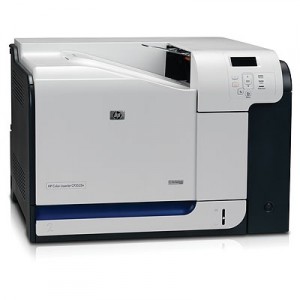
CP3520
My prints are faded
- If the print quality is poor, remove the toner cartridge from the printer and gently rock the cartridge from side to side.
- This movement helps distribute the toner evenly within the cartridge.
- After rocking the cartridge 5–6 times, re-insert the cartridge into the printer and print a test page.
- If the issue persists, check the life of the maintenance items in your machine in case any of them need to be replaced.
Faint characters on printouts
- Print 15–20 pages and check to see if the problem persists.
Printers that use HP 504A / 504X cartridges
To see a full list of products that work in your printer, click on the model name below:
| Colour LaserJet CP3525n | Colour LaserJet CP3525 | Colour LaserJet CM3530 |
| Colour LaserJet CP3525dn | Colour LaserJet CP3520 | Colour LaserJet CP3525x |
| Colour LaserJet CM3530fs |
Printer Consumables (HP 504A / 504X)
| CE250A | CE250A-REM | CE250X | CE250X-REM |
| CE250XD | CE250XD-REM | CE251A | CE251A-REM |
| CE252A | CE252A-REM | CE253A | CE253A-REM |
| CE254A | CE506A | CE25-PACK | CE25-PACK-REM |
| CE25X-PACK | CE25X-PACK-REM | CE25-3PACK | CE25-3PACK-REM |
| CE25-5PACK | CE25-5PACK-REM | CC468-67927 |
Brand names and trademarks are the property of their respective holders and are used for description purposes only.
Brand names and trademarks are the property of their respective holders and are used for description purposes only.