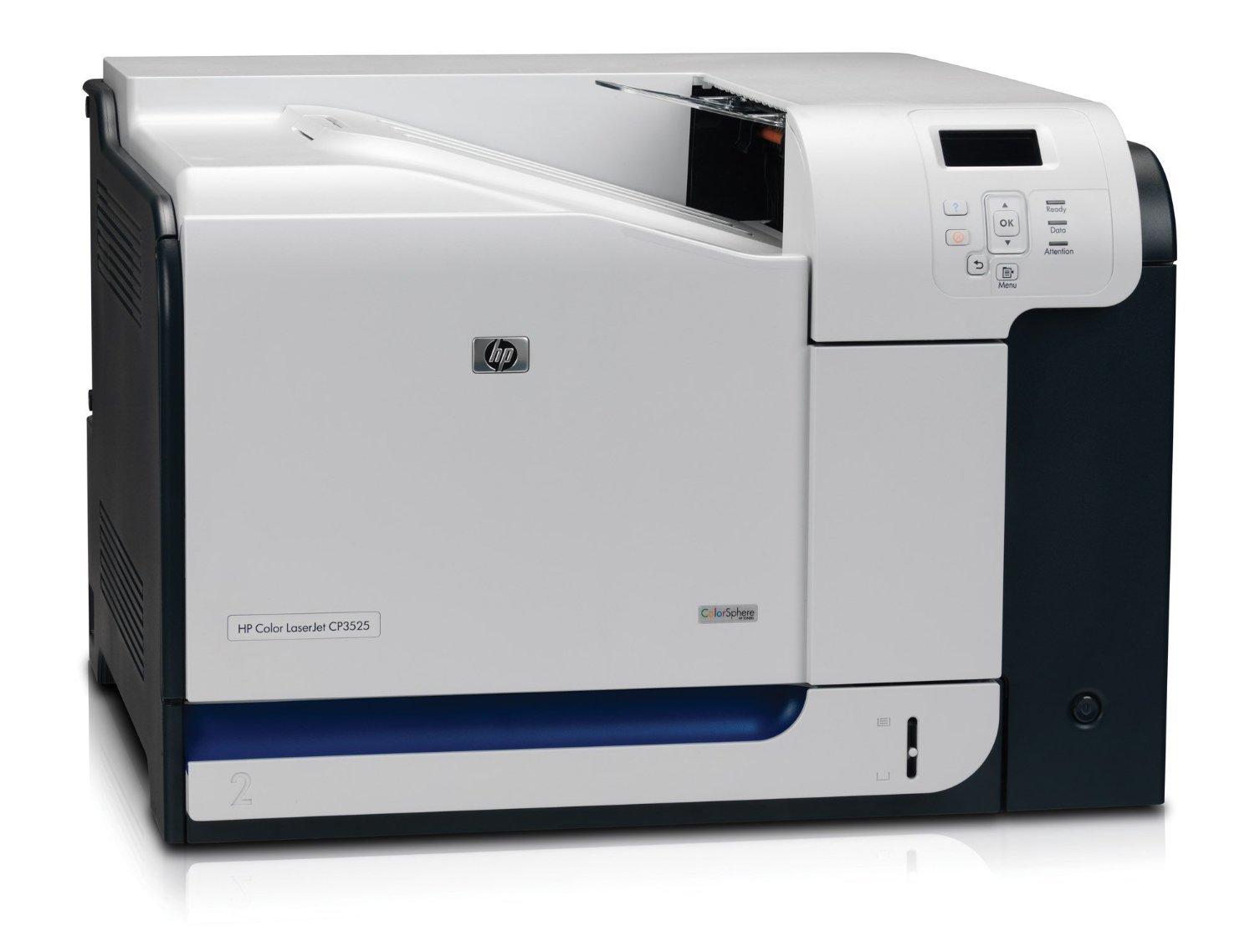
CP3525
My prints are faded
- If the print quality is poor, remove the toner cartridge from the printer and gently rock the cartridge from side to side.
- This movement helps distribute the toner evenly within the cartridge.
- After rocking the cartridge 5–6 times, re-insert the cartridge into the printer and print a test page.
- If the issue persists, check the life of the maintenance items in your machine in case any of them need to be replaced.
Faint characters on printouts
- Print 15–20 pages and check to see if the problem persists.
Note: Before replacing any maintenance items
- Power off the printer.
- Wait 30 seconds, then disconnect the power cord.
- Allow 15 minutes for the printer to cool completely before proceeding.
What does the Compatible HP B5L36A 220V Fuser Unit look like?
The b5l36a-rem is shown in the image below
How do I replace the fuser unit?
-
Open the right door of the printer.
This will reveal three main components:- Fuser Unit – top
- Transfer Unit – middle
- Secondary Transfer Assembly – bottom
Note: Opening the door will cause the secondary transfer assembly to lower partially.
-
Fully lower the secondary transfer assembly.
Push down on the blue lever located on the unit. -
Remove the old fuser unit.
Grasp the blue handles, squeeze the triggers, and pull the unit straight out of the printer. -
Place the old fuser unit somewhere safe.
Set it down on a clean, flat surface. -
Prepare the new fuser unit.
Remove the replacement unit from its protective bag and place it on a clean, flat surface. -
Install the new fuser unit.
Hold the blue handles and slide the unit into the printer. Push firmly until it snaps into place. -
Close the right door.
Lift the door until it clicks shut. This will automatically raise and engage the secondary transfer assembly.
Printers that use HP 504A / 504X cartridges
To see a full list of products that work in your printer, click on the model name below:
| Colour LaserJet CP3525n | Colour LaserJet CP3525 | Colour LaserJet CM3530 |
| Colour LaserJet CP3525dn | Colour LaserJet CP3520 | Colour LaserJet CP3525x |
| Colour LaserJet CM3530fs |
Printer Consumables (HP 504A / 504X)
| CE250A | CE250A-REM | CE250X | CE250X-REM |
| CE250XD | CE250XD-REM | CE251A | CE251A-REM |
| CE252A | CE252A-REM | CE253A | CE253A-REM |
| CE254A | CE506A | CE25-PACK | CE25-PACK-REM |
| CE25X-PACK | CE25X-PACK-REM | CE25-3PACK | CE25-3PACK-REM |
| CE25-5PACK | CE25-5PACK-REM | CC468-67927 |
Brand names and trademarks are the property of their respective holders and are used for description purposes only.
Brand names and trademarks are the property of their respective holders and are used for description purposes only.