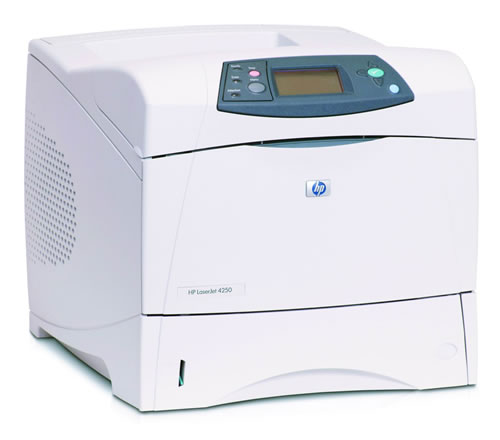
LaserJet 4250
Compatible HP 42X
|
This image shows the front of the cartridge.
|
|
The back of the cartridge can be seen in this image,
the chip must be clear of impurities before installation.
|
|
This image shows the left side of the cartridge.
|
|
This image shows the right side of the cartridge, the
plastic tab must be removed before installation.
|
My prints are faded
- If the print quality is poor, remove the toner cartridge from the printer and gently rock the cartridge from side to side.
- This movement helps distribute the toner evenly within the cartridge.
- After rocking the cartridge 5–6 times, re-insert the cartridge into the printer and print a test page.
- If the issue persists, check the life of the maintenance items in your machine in case any of them need to be replaced.
Faint characters on printouts
- Print 15–20 pages and check to see if the problem persists.
Lines down the page
Printouts have lines down the page.
- This can sometimes be cleared by printing a couple more pages.
- Note: This problem can also be caused by the type of paper used. If another paper source is available, try printing with it to see if it removes the lines.
Printers that use HP 42A / 42X cartridges
To see a full list of products that work in your printer, click on the model name below:
| LaserJet 4250 | LaserJet 4350dtn | LaserJet 4250n |
| LaserJet 4350n | LaserJet 4250dtn | LaserJet 4350 |
| LaserJet 4250dtnsl | LaserJet 4250tn | LaserJet 4350dtnsl |
| LaserJet 4350tn |
Printer Consumables (HP 42A / 42X)
| Q5942A | Q5942A-REM | Q5942X | Q5942X-REM |
| Q5942XD | Q5942XD-REM | Q3216A | Q5422A |
| RM1-1083 |
Brand names and trademarks are the property of their respective holders and are used for description purposes only.