LaserJet 5000n
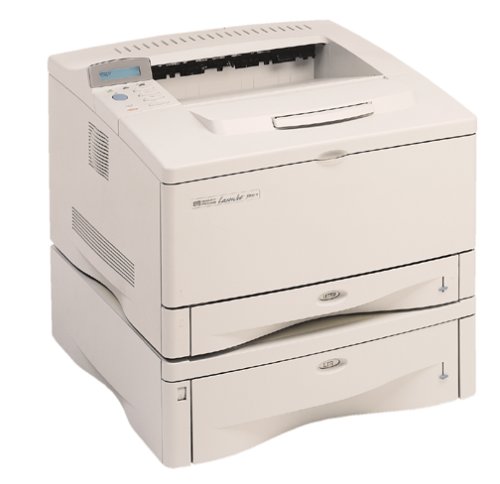
Compatible HP 29X
|
Compatible HP 29X (Top View)
|
|
Compatible HP 29X (Bottom View)
|
|
Compatible HP 29X (Side View)
|
|
Compatible HP 29X (Other Side View)
|
My prints are faded
- If the print quality is poor, remove the toner cartridge from the printer and gently rock the cartridge from side to side.
- This movement helps distribute the toner evenly within the cartridge.
- After rocking the cartridge 5–6 times, re-insert the cartridge into the printer and print a test page.
- If the issue persists, check the life of the maintenance items in your machine in case any of them need to be replaced.
Faint characters on printouts
- Print 15–20 pages and check to see if the problem persists.
Printouts are blank
- Ensure seals, tape, or protective covers have been removed from the cartridge.
- Remove the cartridge and reinstall it into the printer.
Printers that use HP 29X cartridges
To see a full list of products that work in your printer, click on the model name below:
Printer Consumables (HP 29X)
| C4129X | C4129X-REM |
Brand names and trademarks are the property of their respective holders and are used for description purposes only.