CP5520
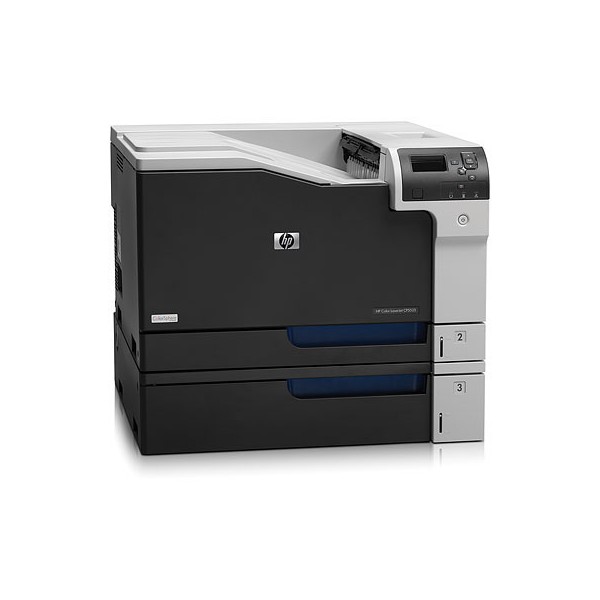
Compatible HP 650A
|
This image shows the front of the cartridges.
|
|
|
|
The back of the cartridges can be seen in this
image,
the small label displays the batch code.
|
|
|
|
This image shows the left side of the cartridges,
the
orange cover must be removed before installation.
|
|
|
|
The right side of the cartridges can be seen
in this
image, the yellow pull tab must be removed before
installation.
|
|
|
My prints are faded
- If the print quality is poor, remove the toner cartridge from the printer and gently rock the cartridge from side to side.
- This movement helps distribute the toner evenly within the cartridge.
- After rocking the cartridge 5–6 times, re-insert the cartridge into the printer and print a test page.
- If the issue persists, check the life of the maintenance items in your machine in case any of them need to be replaced.
Printers that use HP 650A cartridges
To see a full list of products that work in your printer, click on the model name below:
| Colour LaserJet Enterprise M750dn | Colour LaserJet CP5525dn | Colour LaserJet CP5520 |
| Colour LaserJet Enterprise M750n | Colour LaserJet CP5525n | Colour LaserJet CP5525xh |
| Colour LaserJet Enterprise M750xh |
Printer Consumables (HP 650A)
| CE270A | CE270A-REM | CE271A | CE271A-REM |
| CE272A | CE272A-REM | CE273A | CE273A-REM |
| CE27-PACK | CE27-PACK-REM | CE27-5PACK | CE27-5PACK-REM |
| CE978A | CE979A | CE980A | CE860A |
Brand names and trademarks are the property of their respective holders and are used for description purposes only.
Brand names and trademarks are the property of their respective holders and are used for description purposes only.