P1007
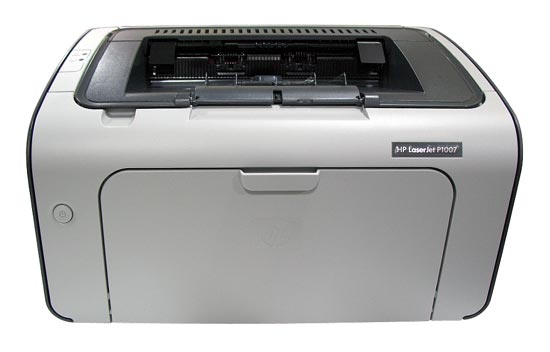
Compatible HP 35A Toner
|
This image shows the front of the cartridge,
the batch
code is displayed on the small label.
|
|
|
|
The back of the cartridge can be seen in
this
image.
|
|
|
|
This image shows the left side of the cartridge,
the
orange tab must be removed before installation.
|
|
|
|
The right side of the cartridge can be seen
in
this image,
the black paper must also be removed before
installation.
|
|
|
My prints are faded
- If the print quality is poor, remove the toner cartridge from the printer and gently rock the cartridge from side to side.
- This movement helps distribute the toner evenly within the cartridge.
- After rocking the cartridge 5–6 times, re-insert the cartridge into the printer and print a test page.
- If the issue persists, check the life of the maintenance items in your machine in case any of them need to be replaced.
Faint characters on printouts
- Print 15–20 pages and check to see if the problem persists.
I'm seeing marks on the page
- If the printouts have marks on the page in a repeating pattern, remove the drum from the printer.
- Using a lint-free cloth, gently clean the drum surface, taking care not to touch the surface with your fingers.
Printers that use HP 35A cartridges
To see a full list of products that work in your printer, click on the model name below:
| LaserJet P1005 | LaserJet P1006 | LaserJet P1008 |
| LaserJet P1007 | LaserJet P1009 |
Printer Consumables (HP 35A)
| CB435A | CB435A-REM | CB435AD | CB435AD-REM |
Brand names and trademarks are the property of their respective holders and are used for description purposes only.