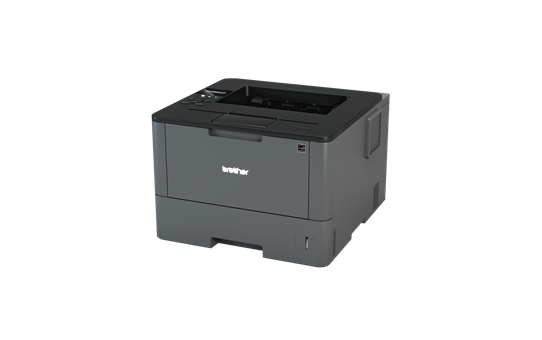
HL-5100
Replace Drum / Drum End / No Drum Installed
My prints are faded
- If the print quality is poor, remove the toner cartridge from the printer and gently rock it side to side.
- This movement helps distribute the toner evenly within the cartridge.
- After rocking the cartridge 5–6 times, reinsert it and print a test page.
- If the issue persists, check the life of maintenance items in case they need replacing
My prints have marks on the page
Marks in the same place each time
- If the printouts have marks on the page in a repeating pattern, remove the drum from the printer.
- Using a lint free cloth gently clean the drum surface taking care not to touch the surface with fingers.
Printers that use Brother TN-3060 / TN-3030 cartridges
To see a full list of products that work in your printer, click on the model name below:
| HL-5150D | HL-5100 | HL-5140 |
| HL-5130 | HL-5170DN | DCP-8040 |
| DCP-8045D | DCP-8045DN | MFC-8220 |
| MFC-8440 | MFC-8440DN | MFC-8840D |
| MFC-8840DN | HL-5150DN |
Printer Consumables
| DR3000 | DR3000-REM | LM2578001 | TN3030 |
| TN3060 | TN3060-REM |
Brand names and trademarks are the property of their respective holders and are used for description purposes only.
Brand names and trademarks are the property of their respective holders and are used for description purposes only.