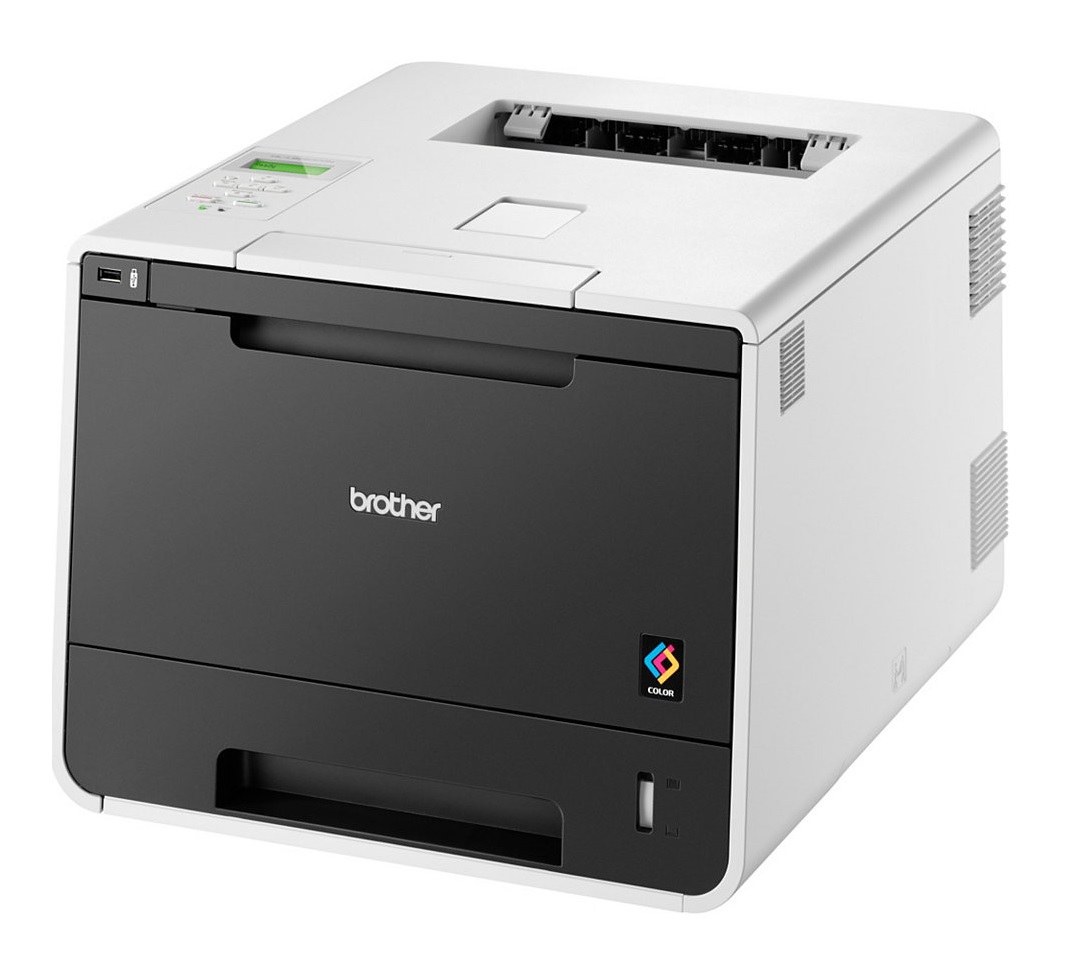
HL‑8250CDN
Replace Toner / Toner Low / No Toner Installed
Replace Drum / Drum End / No Drum Installed
My prints are faded
- If the print quality is poor, remove the toner cartridge from the printer and gently rock it side to side.
- This movement helps distribute the toner evenly within the cartridge.
- After rocking the cartridge 5–6 times, reinsert it and print a test page.
- If the issue persists, check the life of maintenance items in case they need replacing
Printers that use Brother TN-326 / TN-321 cartridges
To see a full list of products that work in your printer, click on the model name below:
| MFC-L8650CDW | HL‑8250CDN | HL‑8350CDW |
| DCP-L8400CDN | MFC-L8850CDW | DCP-L8450CDW |
Printer Consumables
| BU-320CL | DR-321CL | LR2242001 | TN-321-3PACK |
| TN-321BK | TN-321C | TN-321M | TN-321Y |
| TN-326-3PACK | TN-326-3PACK-REM | TN-326-PACK | TN-326-PACK-REM |
| TN-326BK | TN-326BK-REM | TN-326C | TN-326C-REM |
| TN-326M | TN-326M-REM | TN-326Y | TN-326Y-REM |
| WT-320CL | DR-321CL-REM | TN-321BK-REM | TN-321C-REM |
Brand names and trademarks are the property of their respective holders and are used for description purposes only.